Worktickets
Overview
Several Workticket and Routing Form models are supported for various industries. Below we describe each Workticket and how the items need to be set up to make it work.
Workticket grouped by Service
In this model, a Workticket is generated for each distinct service found in the estimate items of a transaction. The services are ordered by their Code. Ideally, prefix the code with numbers that make it easy to insert items. For example, in an Engineering environment you might use the following model:
- 101-200 – Cutting Services e.g. 101 – Cutting; 102 Laser Cutting
- 201-300 – Bending, Drilling and Forming
- 301-400 – Welding
- 401-500 – Coating
- 501-600 – Assembly
- 601-700 – Packaging
- 701-800 – Outwork
Data Pipelines
The Data Pipelines for Workticket Output Templates are listed in Output Data Pipelines.
Workticket grouped by Assemblies
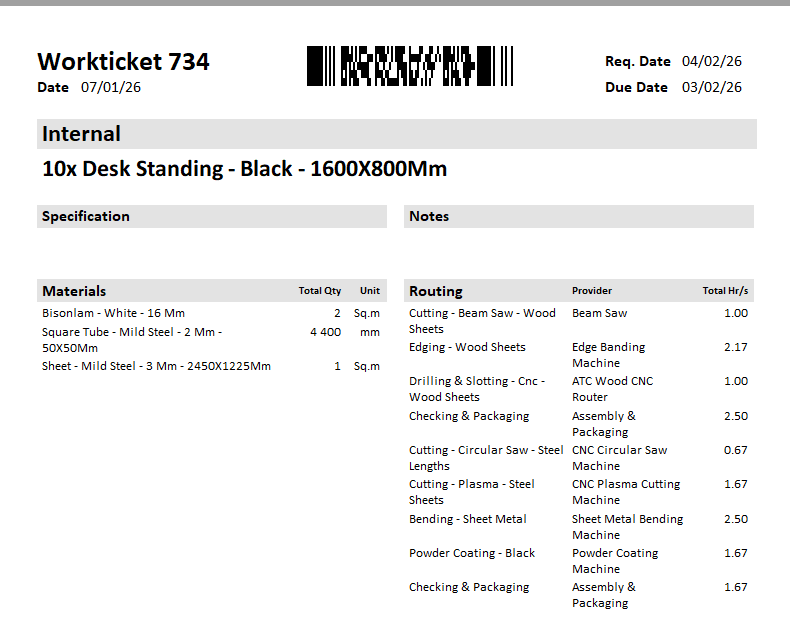
This model lets you group the Workticket by Assemblies in the estimate. The Assembly name for the Root item is derived from the Transaction Item.
Data Pipelines
The Data Pipelines for Workticket Output Templates are listed in Output Data Pipelines.
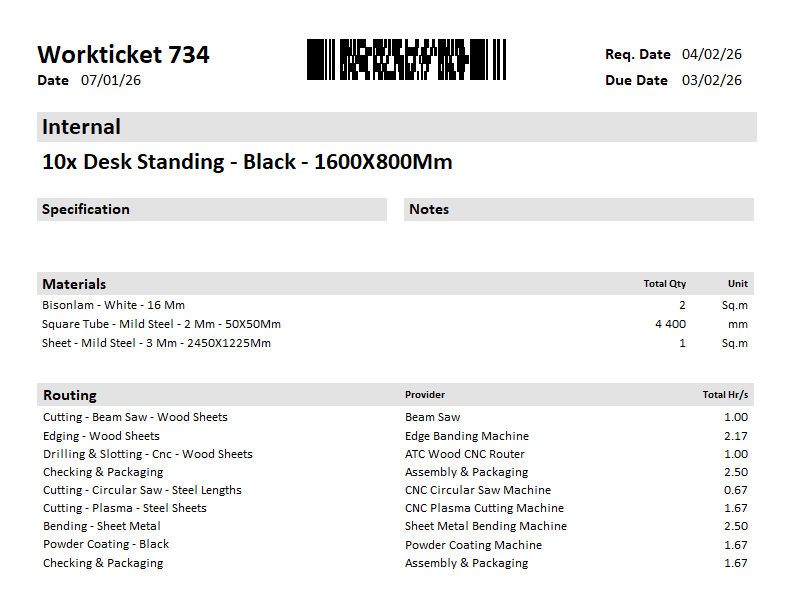
Examples: